Test Your Mouse & Keyboard Polling Rate Free Online
Check your polling rate tester, keyboard Hz, DPI, eDPI, and reaction time with our free online testing tools. Instant results, no downloads, no signups, just open and test.
All Your Gaming Tools in One Place
PollingRateTester gives you everything you need to optimize your gaming peripherals. Every tool runs directly in your browser with instant, accurate results.
🖱️ Mouse Polling Rate Test
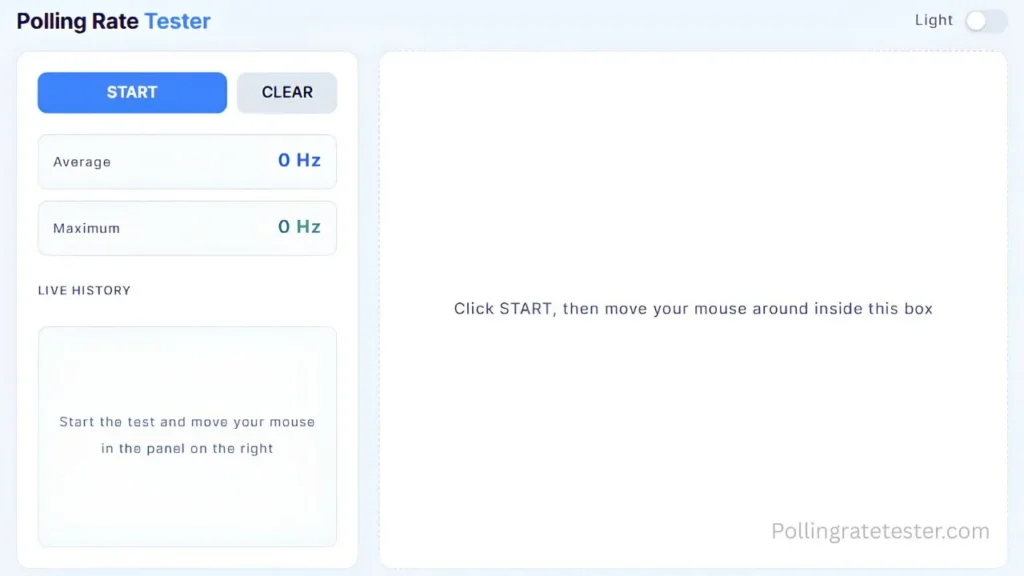
Check how many times per second your mouse reports its position to your computer. Verify your mouse runs at 125 Hz, 500 Hz, 1000 Hz, or higher. Test now to confirm your settings match what your software claims.
⌨️ Keyboard Polling Rate Test
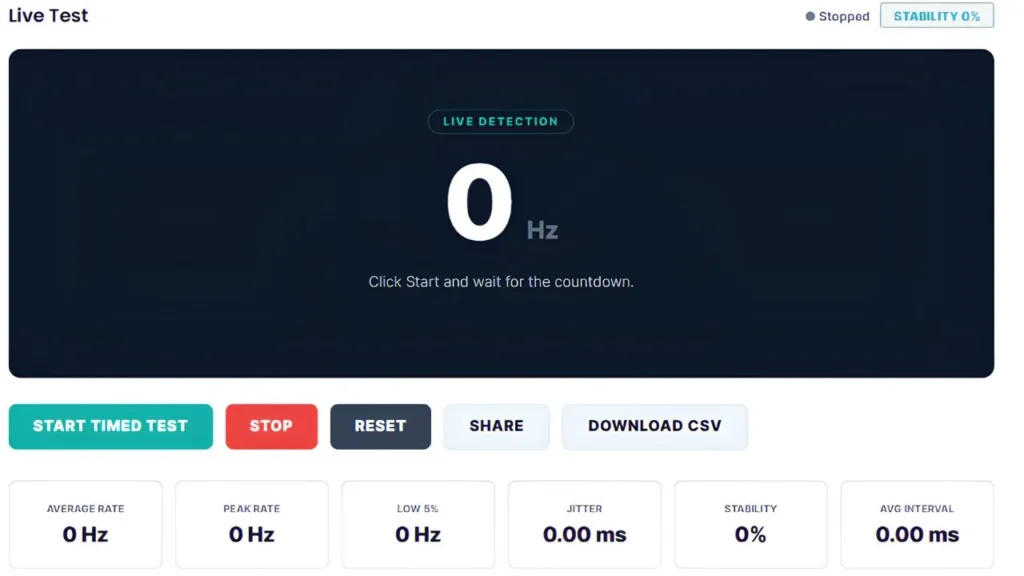
Measure your keyboard’s report rate in real time. See whether your keyboard delivers 125 Hz, 500 Hz, 1000 Hz, or 8000 Hz response speed. Essential for competitive gaming where every millisecond counts.
🎯 DPI Analyzer
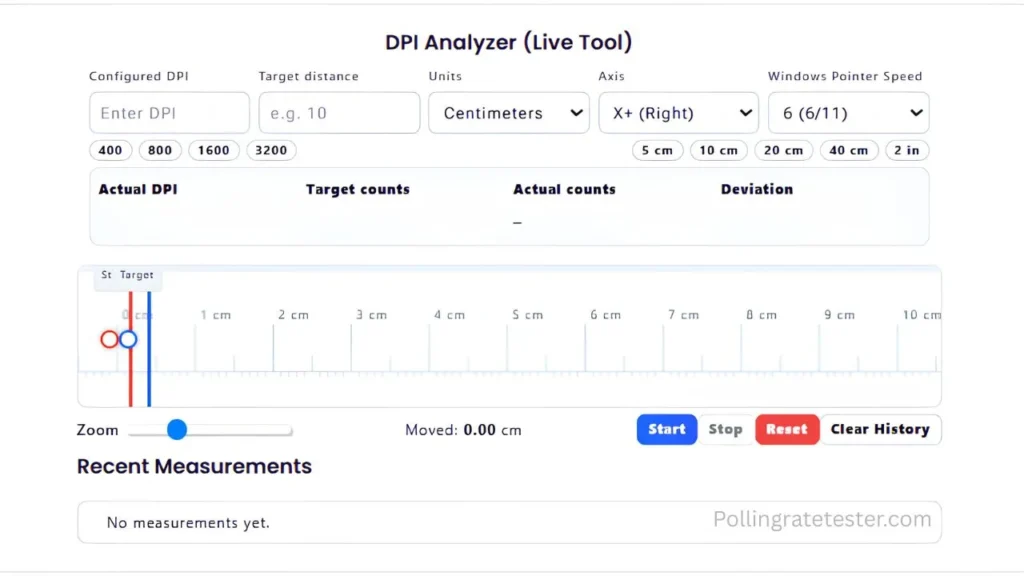
Find your actual mouse DPI and calculate your true sensitivity. Check if your mouse sensor is accurate, compare DPI settings, and verify your hardware matches your software configuration.
🧮 eDPI Calculator
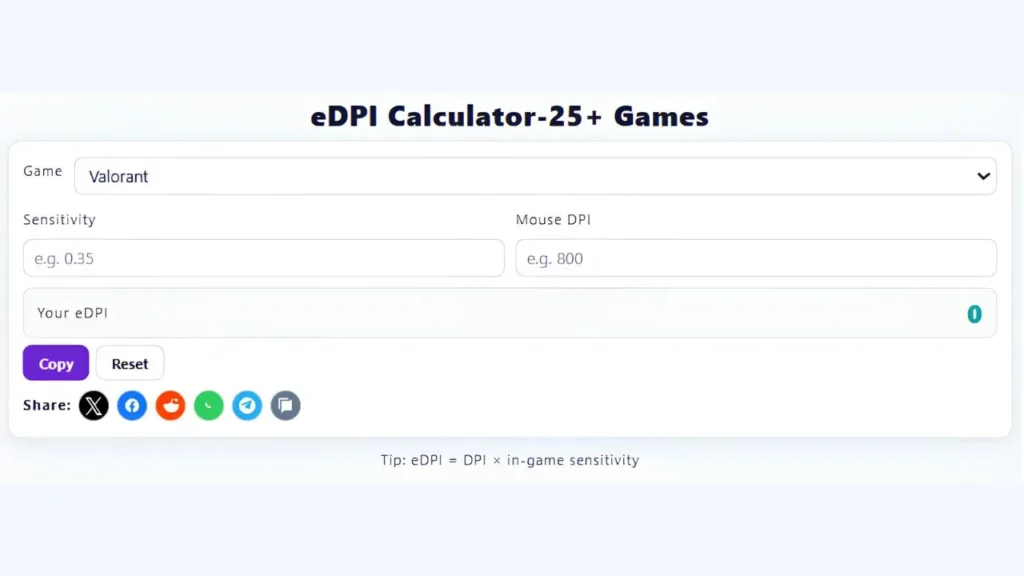
Calculate your effective DPI (eDPI) by combining your mouse DPI with your in-game sensitivity. Compare your settings with those of professional players in Valorant, CS2, Apex Legends, and Fortnite.
⚡ Reaction Time Test
Measure your reflexes with our F1-style reaction time test. Track your speed in milliseconds, compare yourself against professional gamers and F1 drivers, and train to improve your reaction speed.
🖱️ Mouse Tester
Test your mouse buttons, scroll wheel, and movement accuracy. Check for button failures, scroll issues, or tracking problems. Perfect for diagnosing hardware issues before buying a replacement.
Why Use This Free Polling Rate Tester?
- Instant Results — Every tool delivers results in real time. Move your mouse, press a key, or click the test area and watch live data update instantly.
- No Downloads Required — Everything runs directly in your browser. No software installations, no executable files, no security risks. Open the page and start testing immediately.
- Accurate Measurements — Our tools use high-precision JavaScript timers and direct browser input events to measure your hardware performance down to the millisecond.
- Completely Free — Zero paywalls, zero premium tiers, zero hidden costs. Every tool is 100% free with no signup required. Use them as many times as you need.
How the Mouse Polling Rate Test Works
- 1. Choose Your Tool — Pick the test you need from the list above. Each tool targets a specific aspect of your gaming setup.
- 2. Run the Test — Follow the simple on-screen instructions. Most tests take less than 10 seconds to complete and show results instantly.
- 3. Optimize Your Setup — Use the results to adjust your settings, troubleshoot problems, or verify that your hardware performs as expected.
Understanding Polling Rate
Polling rate measures how many times per second your mouse or keyboard sends data to your computer. Higher polling rates deliver faster response times and smoother input.
| Polling Rate | Input Delay | Best For |
|---|---|---|
| 125 Hz | 8 ms | Office work, casual browsing |
| 500 Hz | 2 ms | Casual gaming, everyday use |
| 1000 Hz | 1 ms | Competitive esports, FPS gaming |
| 2000-8000 Hz | 0.5-0.125 ms | High-end setups, extreme performance |
Most competitive players run a 1000 Hz polling rate on both their mouse and keyboard. This delivers a near-instant response without overloading your CPU. Ultra-high rates like 4000 Hz or 8000 Hz offer minimal improvement but demand significantly more processing power.
Use our Mouse Polling Rate Test and Keyboard Polling Rate Test to verify your actual rates match your software settings.
Compatible With All Major Brands
PollingRateTester works with every mouse and keyboard brand on the market:
- Mice: Logitech, Razer, Corsair, SteelSeries, Zowie, BenQ, Glorious, Finalmouse, Pulsar, Vaxee, and more
- Keyboards: Logitech, Razer, Corsair, SteelSeries, Ducky, Keychron, HyperX, ASUS ROG, Wooting, and more
- If your device connects via USB or wireless dongle, our tools will read it. No drivers, no brand-specific software, no compatibility issues.
Frequently Asked Questions
What is the polling rate, and why does it matter?
Polling rate measures how frequently your mouse or keyboard reports its position or key presses to your computer. Higher polling rates reduce input delay and make your peripherals feel more responsive. Most competitive gamers use 1000 Hz for the best balance between speed and system performance.
Do I need to download anything to use these tools?
No. Every tool on PollingRateTester.com. Runs entirely inside your web browser using JavaScript. Open the page, use the tool, and close it when you are done. Nothing installs on your computer.
Are these tests accurate?
Yes. Our tools measure input events directly from your browser with millisecond precision. Browser-based tests read 10-20% lower than native applications because they process input through JavaScript events rather than raw USB data, but the relative measurements remain accurate for comparison and troubleshooting.
Can I use these tools on mobile devices?
The polling rate tests work best on desktop computers with a wired or wireless mouse and keyboard. Reaction time and DPI tests work on mobile, but touchscreen input introduces additional latency that affects accuracy. For best results, test on a desktop or laptop.
How do I improve my polling rate?
Polling rate is set in your mouse or keyboard software (Logitech G HUB, Razer Synapse, etc.) or via physical buttons on your device. Check your manufacturer’s documentation for instructions. Once set, use our tests to verify the change took effect.

PollingRateTester.com provides browser-based testing tools for measuring mouse DPI, polling rate, latency, and other device performance metrics. All tools are tested on real hardware, including USB and Bluetooth mice and high-refresh-rate monitors, to ensure accurate and repeatable results.
The website is maintained by a technical team that regularly updates tools and guides in response to browser, sensor, or firmware changes to keep measurements consistent, precise, and transparent.